Reading Emails Worksheets
About This Worksheet Collection
This reading emails collection teaches students how to navigate one of the most common and essential forms of modern communication. Each worksheet uses realistic email scenarios that help learners interpret messages, evaluate tone, identify purpose, and respond appropriately. By working with authentic text structures-including subject lines, greetings, CC/BCC fields, attachments, and reminders-students develop practical literacy skills they can immediately apply in academic, personal, and future workplace settings.
Throughout the collection, students strengthen comprehension by analyzing explicit details, making inferences, evaluating credibility, scanning for key information, and recognizing digital etiquette. They also build functional writing skills by crafting replies, rewriting impolite messages, and interpreting how tone and audience shape communication. These activities promote responsible digital citizenship, clearer communication habits, and confident engagement with electronic correspondence.
Detailed Descriptions Of These Worksheets
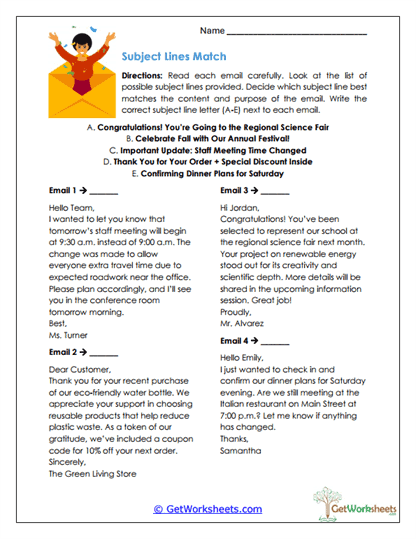
Subject Lines Match
Students read several emails and match each one with the most appropriate subject line from a list. They analyze tone, purpose, and content to determine the best fit. This worksheet strengthens main idea identification and helps learners understand how clear, relevant subject lines support effective communication.
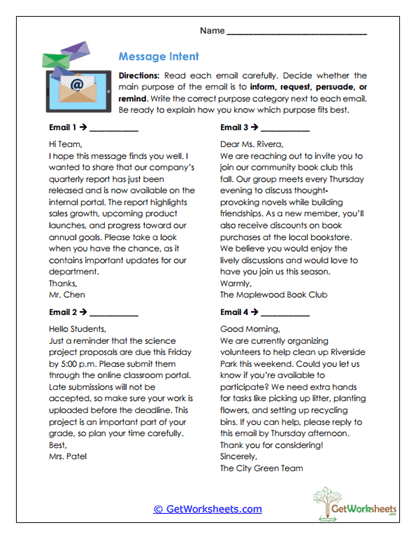
Message Intent
Learners examine four emails and decide whether each message aims to inform, request, persuade, or remind. They justify their choices with textual evidence. The activity builds awareness of communication purpose and teaches students how phrasing signals intent.
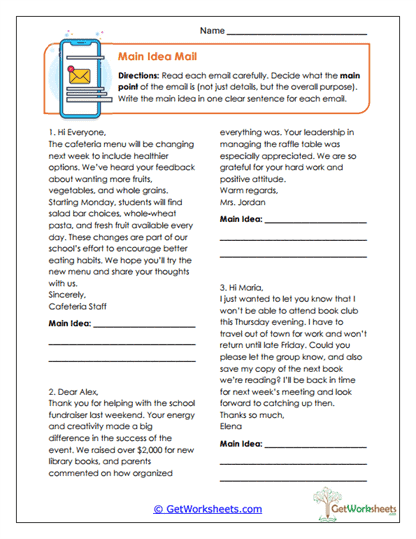
Main Idea Mail
Students read three emails and write a single sentence summarizing each message's main idea. They differentiate central points from background details. This task reinforces summarizing skills and supports clearer understanding of informational text.
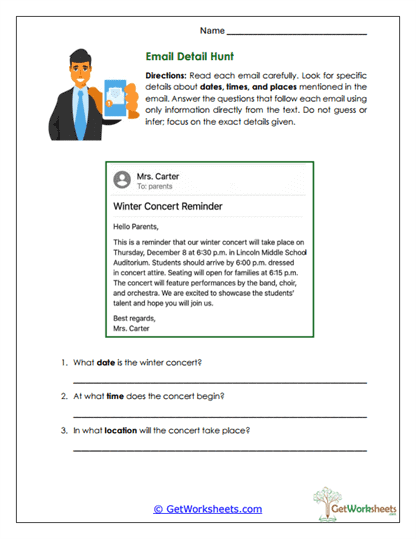
Email Detail Hunt
In this worksheet, students extract explicit details-such as dates, times, and locations-from a simple email reminder. They practice precision reading and gain confidence interpreting event-based messages. The activity emphasizes accuracy and attention to detail.
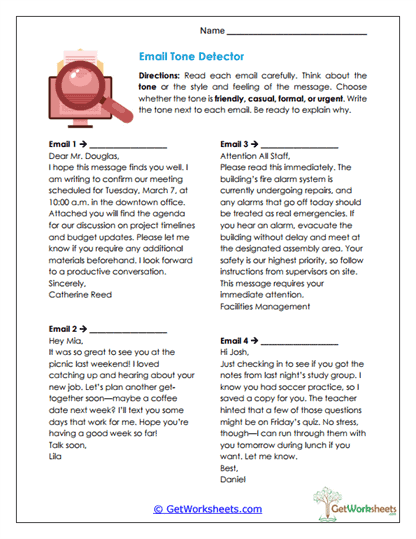
Email Tone Detector
Students read four emails and identify their tone, choosing between friendly, casual, formal, or urgent. They analyze greetings, word choice, and phrasing to support their decisions. This worksheet builds awareness of tone and audience in digital communication.
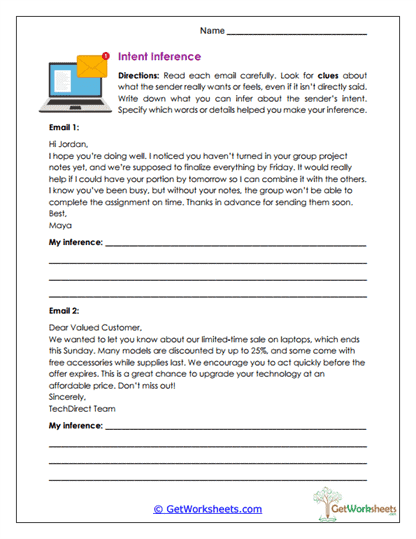
Intent Inference
Learners read two emails and infer the sender's true intent by analyzing subtle clues. They identify words or details that reveal expectations or emotions. The activity strengthens inferential reasoning and encourages evidence-based explanation.
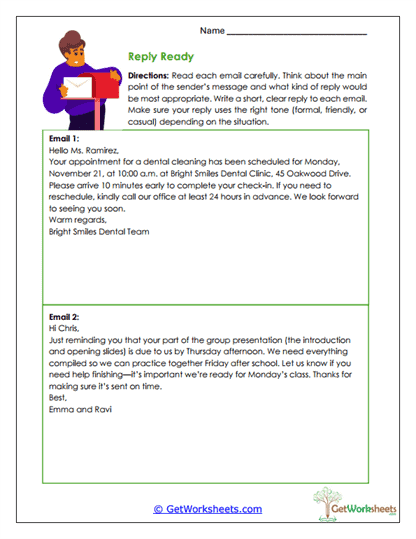
Reply Ready
Students write appropriate replies to two emails, selecting a suitable tone and addressing each message's needs. The worksheet reinforces polite, effective digital writing and helps learners apply comprehension skills to functional correspondence.
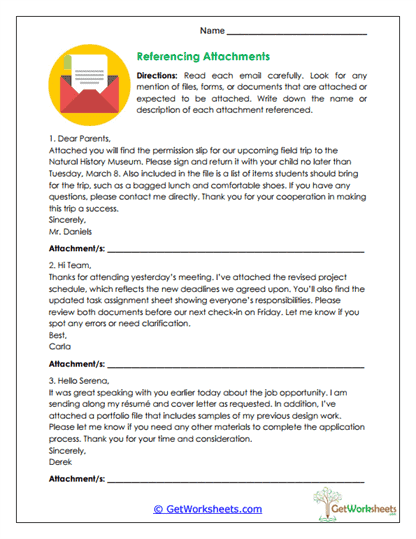
Referencing Attachments
In this activity, students read three emails and identify which attachments are referenced. They list document names or descriptions, practicing how to scan emails for logistical details. This strengthens organizational reading skills and real-world understanding of attachments.
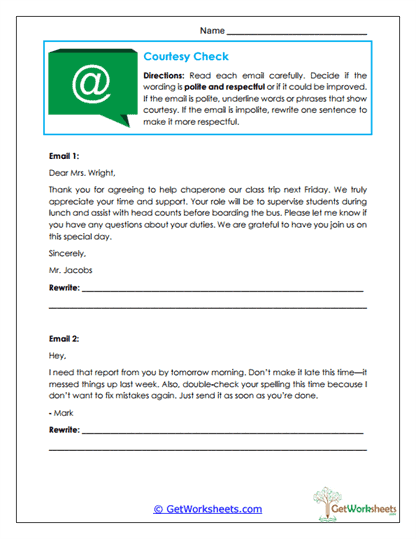
Courtesy Check
Students evaluate the politeness of two emails by identifying respectful language or rewriting sentences to improve tone. This worksheet builds digital etiquette, social awareness, and effective communication habits.
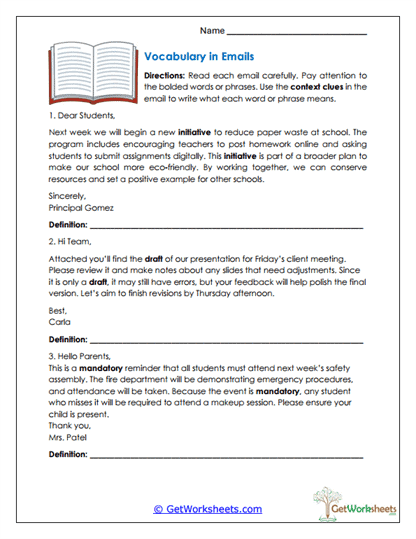
Vocabulary in Emails
Learners determine the meaning of bolded vocabulary words in three emails using context clues. They read closely to interpret how terms function in digital correspondence. This task enhances vocabulary skills and improves comprehension of email language.
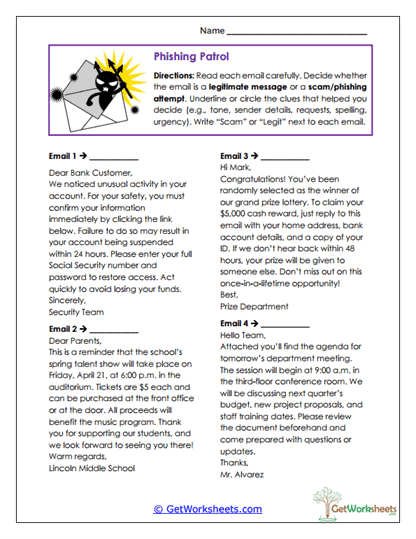
Phishing Patrol
Students read four emails and decide whether each one is a legitimate message or a phishing scam. They identify clues such as suspicious tone, spelling errors, sender inconsistencies, or too-good-to-be-true promises. This worksheet develops essential digital safety skills and strengthens credibility evaluation.
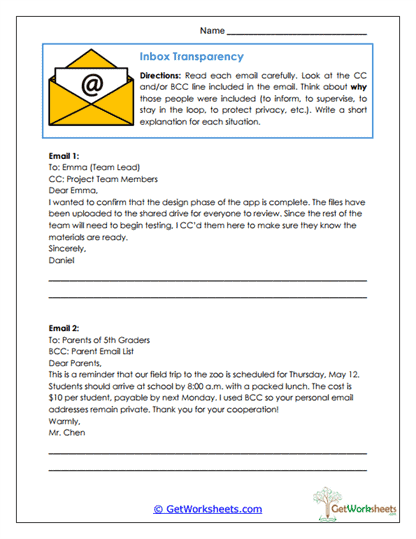
Inbox Transparency
Students analyze two emails focusing on CC and BCC usage. They explain why additional recipients were included and what purpose these fields serve. The activity teaches audience awareness, privacy considerations, and practical email protocol.
Bookmark Us Now!
New, high-quality worksheets are added every week! Do not miss out!