Microsoft Copilot Activities Worksheets
About This Worksheet Collection
This collection introduces students to real-world ways Microsoft Copilot can support learning, creativity, and problem-solving. Each worksheet blends traditional academic skills with hands-on AI use, allowing learners to explore how digital tools assist with writing, studying, scheduling, math work, and data analysis. By pairing Copilot activities with reflection and comparison tasks, students learn not just what Copilot can do, but how to evaluate its reasoning and decide when its suggestions are helpful.
Across the collection, students strengthen skills in reading comprehension, writing, math, organization, and creative thinking. They also build digital literacy by examining Copilot's limitations, analyzing its interpretations, and refining its outputs to better meet their needs. These worksheets help students develop thoughtful, responsible AI habits while applying academic concepts in practical, engaging scenarios.
Detailed Descriptions Of These Worksheets
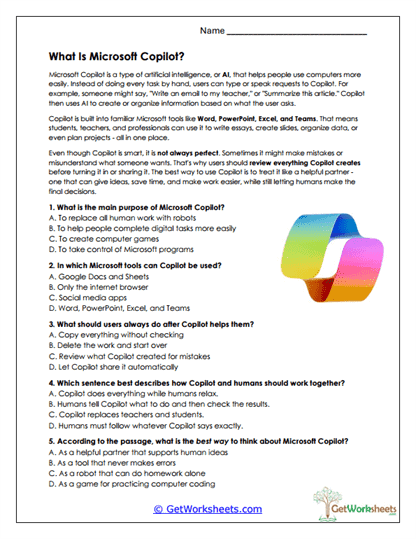
What Is Copilot?
Students read an informational passage explaining what Microsoft Copilot is, how it works, and how people use it for digital tasks. They answer comprehension questions that check understanding of purpose, capabilities, and limitations. The activity builds close-reading skills and emphasizes responsible use of AI tools. It also reinforces evidence-based decision-making when interpreting informational text.
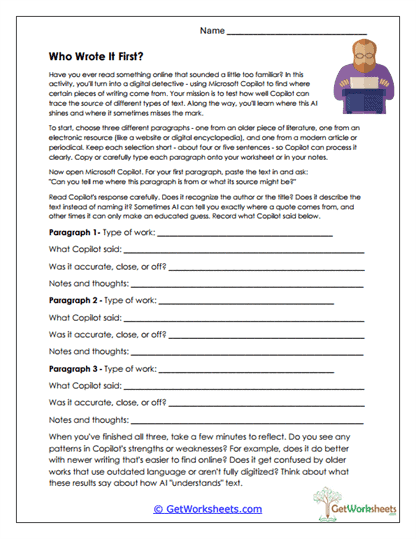
Source Detective
Learners input three different paragraphs into Copilot and examine how accurately the tool identifies their source types. They evaluate Copilot's guesses, noting where its reasoning is correct or off track. This worksheet encourages deeper analysis of writing style and authorship clues. Students reflect on what these patterns reveal about AI's strengths and weaknesses.
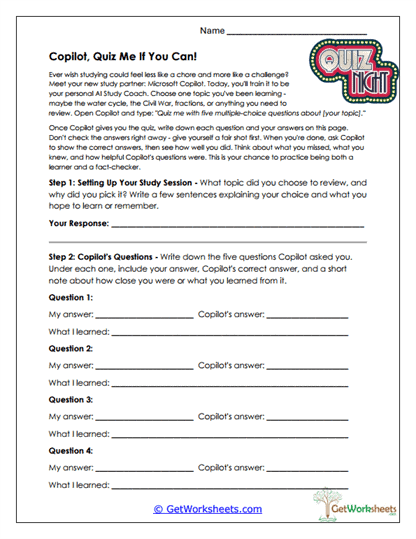
Copilot Quiz Coach
Students choose a subject to review and then have Copilot create quiz questions on that topic. They record their answers, compare them to Copilot's, and reflect on what they learned from each item. The activity strengthens metacognition and helps students identify misconceptions. It also encourages students to use AI as a supportive study partner.
Riddle Creator
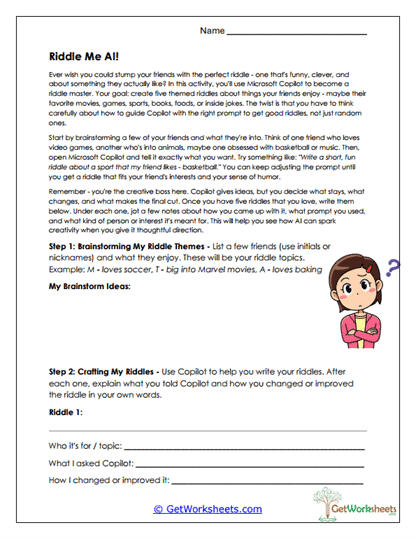
In this creative worksheet, students brainstorm friends and their interests, then use Copilot to craft riddles tailored to each person. They revise the riddles as needed and explain what changes improved them. The task builds audience awareness, creativity, and revision skills. Students also evaluate how AI-generated content can be shaped to better fit their intentions.
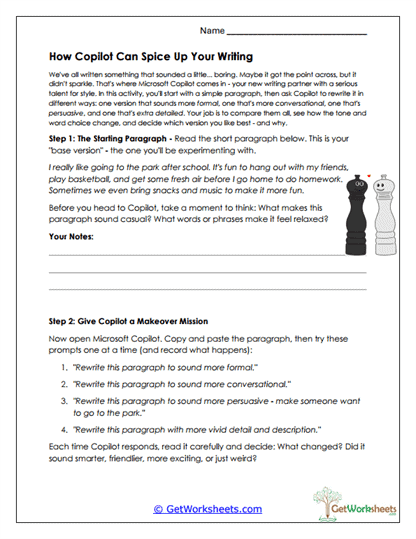
Writing Makeover
Students analyze a casual base paragraph and then ask Copilot to rewrite it in several styles, including formal, conversational, persuasive, and descriptive. They compare how tone, vocabulary, and structure shift across versions. This worksheet helps learners understand how style choices affect meaning and clarity. It also demonstrates how AI tools can assist with purposeful revisions.
Schedule Planner
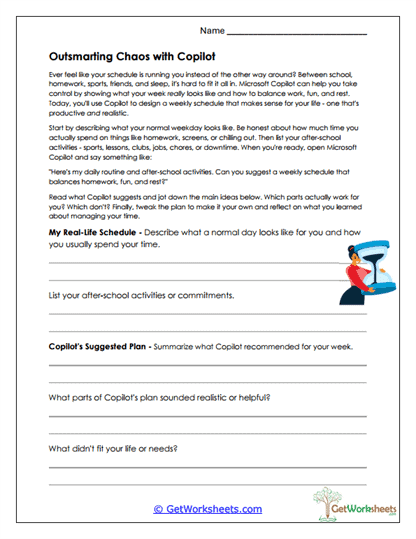
Learners describe their weekly routines before reviewing a schedule generated by Copilot. They summarize the AI's suggestions and decide which ideas fit their real needs. The activity teaches time-management strategies and encourages thoughtful evaluation of automated planning. Students also practice balancing productivity with downtime.
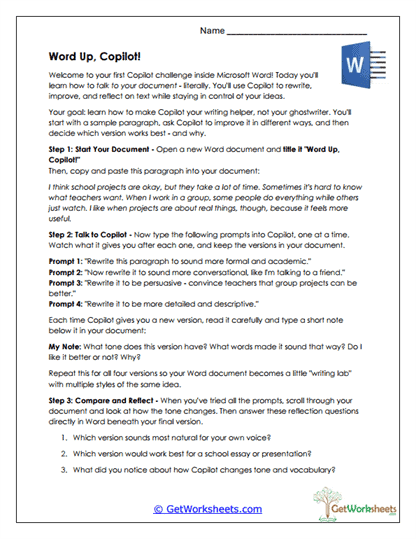
Word Up Copilot
Students paste a sample paragraph into Word and prompt Copilot to rewrite it in different tones. They evaluate which style fits their own writing voice and analyze how vocabulary and sentence structure were changed. The task strengthens revision skills, tone awareness, and editing judgment. It provides practical experience using AI within a word-processing environment.
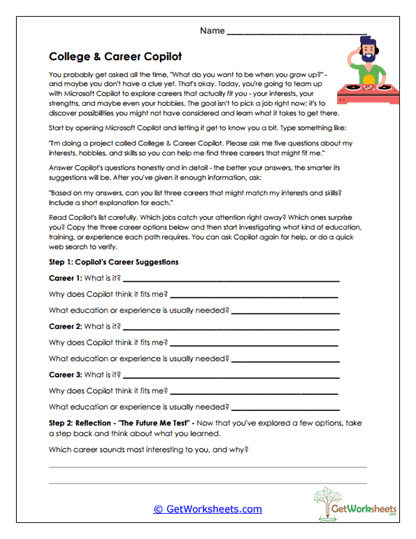
Career Exploration
Learners ask Copilot for career suggestions based on their interests and record details about job duties and preparation. They reflect on which options appeal to them and why. This worksheet fosters early career awareness and responsible information gathering. It also encourages students to think about long-term goals and personal strengths.
Snack Shop Math
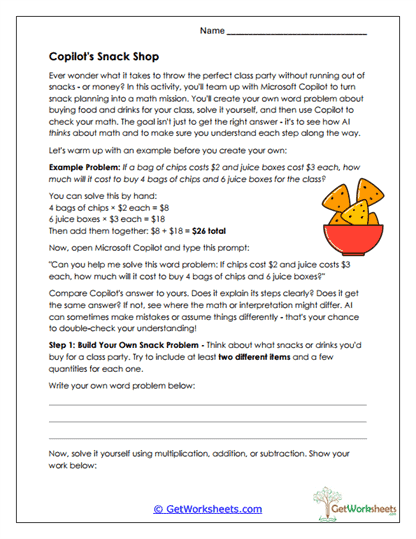
Students create a snack-themed word problem and solve it using operations such as addition or multiplication. They then ask Copilot to solve the same problem and compare explanations. This activity reinforces number operations and highlights differences between human and AI reasoning. It encourages clear mathematical communication.
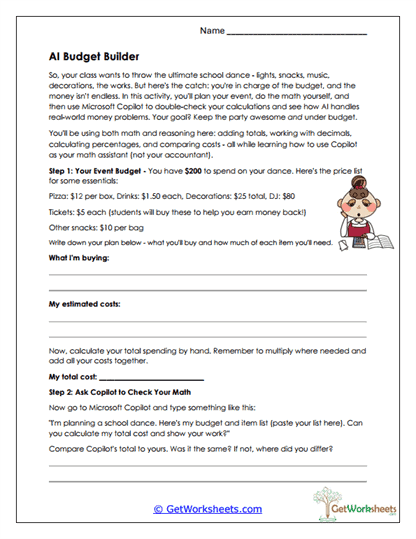
Budget Builder
Learners plan a school event using a fixed budget, calculate total costs, and compare their calculations to Copilot's. They analyze where discrepancies occurred and evaluate the accuracy of their own math. The worksheet strengthens financial literacy and real-world problem-solving. It also models how AI can assist with checking calculations.
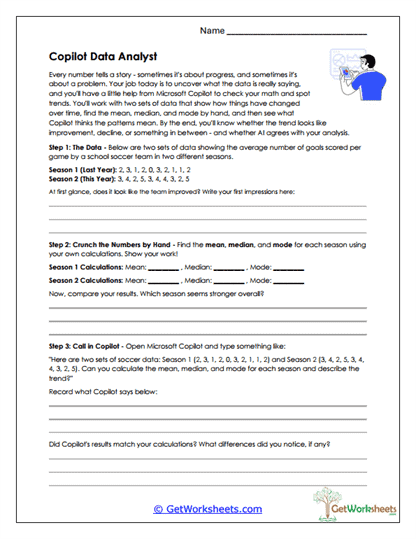
Data Analyst
Students examine soccer goal data from two seasons and calculate mean, median, and mode by hand. Afterward, they use Copilot to compute the same values and compare results. The activity builds statistical reasoning and reinforces trend interpretation. It also promotes thoughtful use of AI as a data-analysis tool.
Grammar Fixer
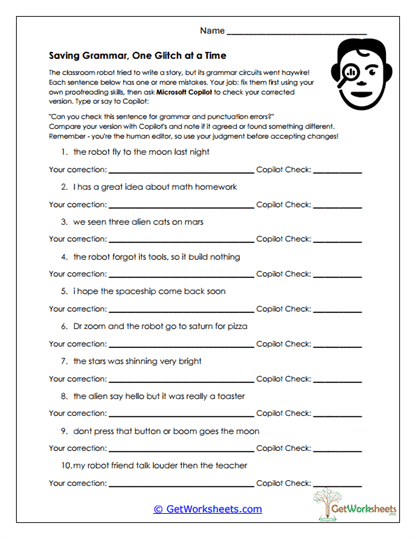
Learners correct sentences containing grammar, punctuation, or capitalization errors before checking their edits with Copilot. They analyze similarities and differences between their corrections and the AI's suggestions. The task strengthens proofreading skills and deepens understanding of sentence structure. It also encourages responsible evaluation of automated editing tools.
Bookmark Us Now!
New, high-quality worksheets are added every week! Do not miss out!