Claude AI Activities Worksheets
About This Worksheet Collection
The Claude AI Activities collection introduces students to Claude in a safe, structured, and engaging way. Through informational passages, guided conversations, creative prompts, and comparison tasks, learners gain a solid understanding of what Claude is, how it works, and how to use it responsibly. Each worksheet presents Claude as a powerful tool-but one that requires human judgment, critical thinking, and digital citizenship to use effectively. The activities blend reading, writing, creativity, and reflection to give students meaningful, hands-on experience with conversational AI.
As students move through the materials, they develop essential skills such as summarizing responses, analyzing AI output, designing stronger prompts, and evaluating the differences between human and AI communication. They also learn how to chat safely online, recognize myths about AI, and think critically about accuracy and clarity in digital tools. This collection helps students become thoughtful, informed AI users who understand both the potential and the limitations of modern language models.
Detailed Descriptions Of These Worksheets
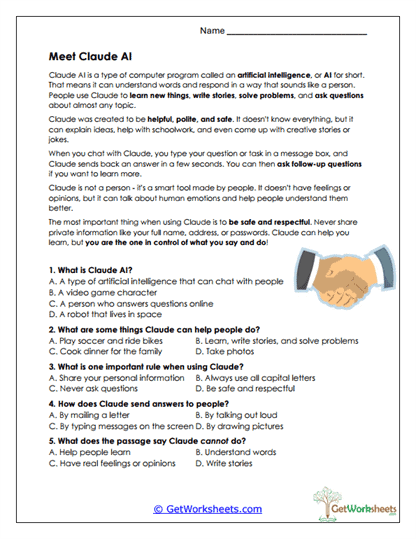
Meet Claude AI
Students read an introductory passage about Claude and answer comprehension questions that highlight what Claude can do, its limitations, and how to use it responsibly. The worksheet reinforces core digital citizenship concepts and builds confidence in reading informational text. It also helps students understand the basics of human-AI interaction. Learners practice identifying key ideas and details.
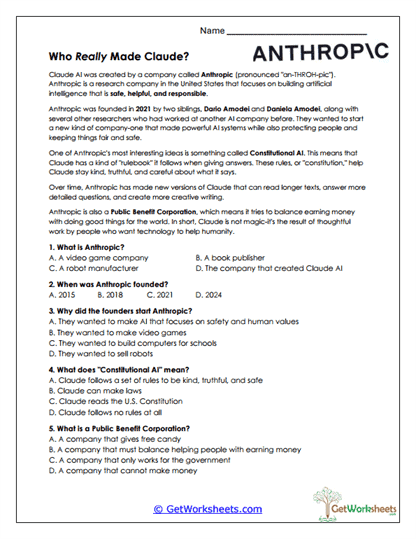
Who Created Claude?
This worksheet explains Anthropic's mission, the concept of Constitutional AI, and what it means for a company to be a Public Benefit Corporation. Students answer multiple-choice questions to check comprehension of vocabulary, dates, and ethical goals. The activity strengthens understanding of AI development and safety principles. It also supports informational text analysis.
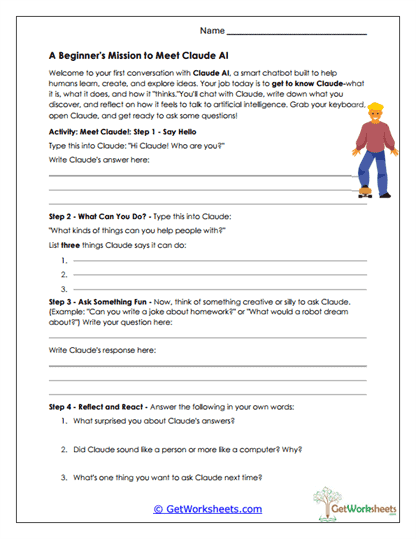
Beginner Conversation with Claude
Students follow guided steps to hold a beginner-level conversation with Claude, including greetings, simple questions, and a fun inquiry. They record both Claude's responses and their own reflections. This worksheet builds communication skills and encourages students to compare AI and human conversational patterns. It also promotes responsible and curious technology use.
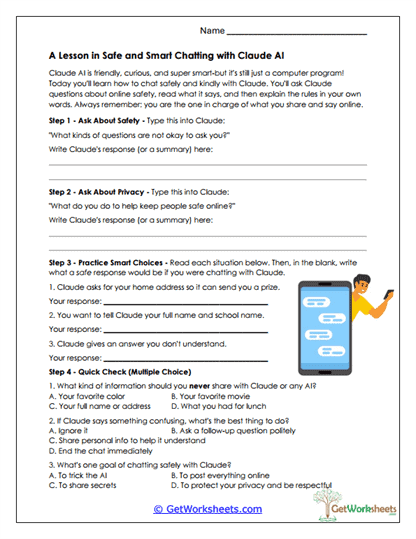
Safe and Smart Chatting
Learners explore safety guidelines by responding to scenarios about privacy and online behavior when chatting with AI. They read examples, write safe responses, and answer multiple-choice questions about what not to share. This worksheet reinforces responsible decision-making and awareness of AI limitations. It strengthens scenario-based writing and digital citizenship.
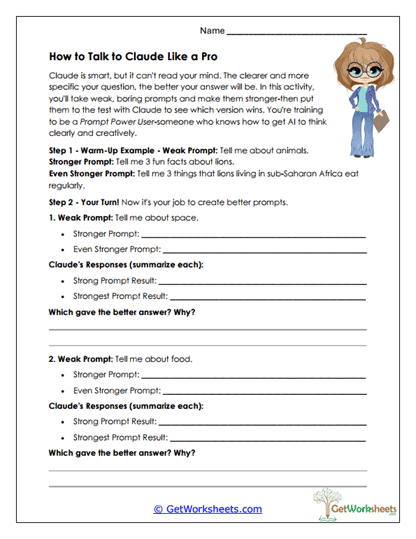
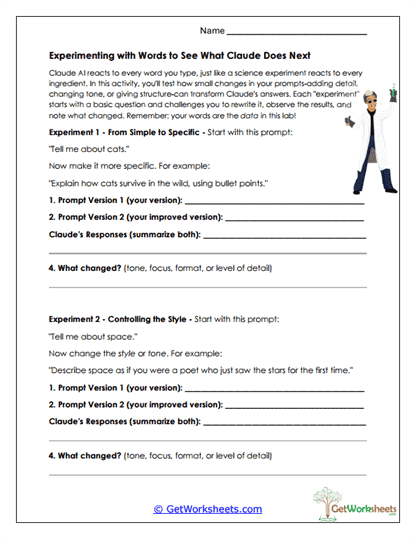
Experimenting with Prompts
Students learn how phrasing, detail, and tone affect Claude's responses by rewriting prompts and comparing outcomes. They summarize changes and analyze why different wording produced different results. The activity builds foundational prompt engineering skills. It also supports clarity in writing and careful observation.
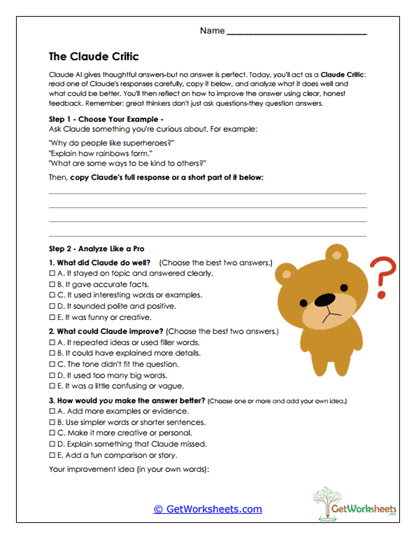
The Claude Critic
In this worksheet, students evaluate the quality of a real response generated by Claude. They identify strengths, weaknesses, and areas for improvement before rewriting a stronger version. The activity reinforces evaluation skills and strengthens understanding of text clarity. It teaches students that AI output still requires human judgment.
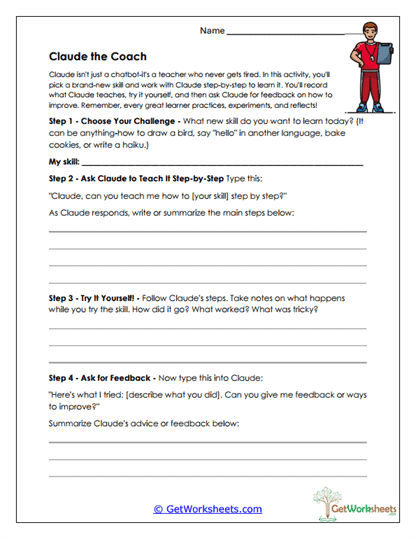
Claude the Coach
Students choose a skill, ask Claude for step-by-step instructions, try it themselves, and then request feedback. They record their experience and reflect on what worked. This exercise promotes hands-on learning and self-monitoring. It supports effective use of AI as a learning assistant.
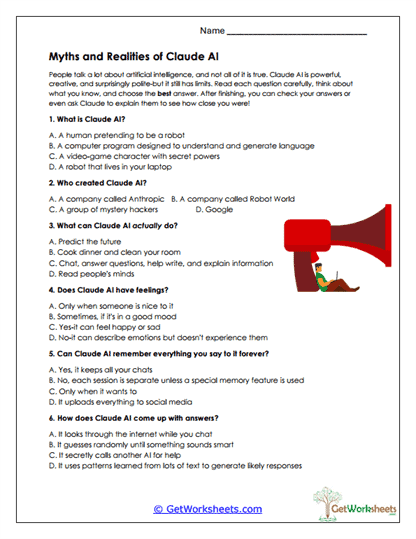
Claude Myths & Facts
Learners distinguish between true and false statements about Claude's abilities, emotional capacity, and memory limitations. The multiple-choice format reinforces comprehension of how AI systems function. The worksheet builds critical thinking and encourages fact-checking. It helps students avoid common misconceptions about AI.
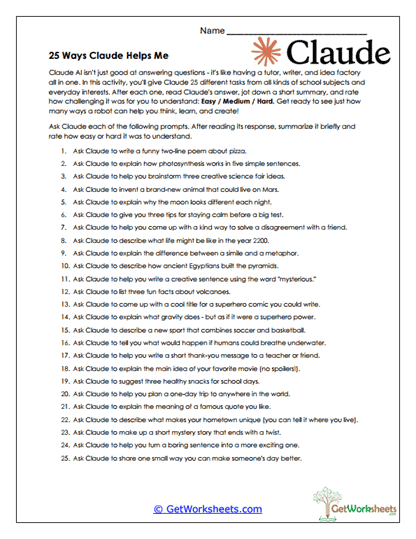
25 Claude Tasks
Students explore many ways Claude can assist with creative, academic, and interpersonal tasks. For each prompt, they summarize Claude's answer and rate its clarity. The activity strengthens summarization and metacognitive judgment. It also introduces students to diverse, practical AI use cases.
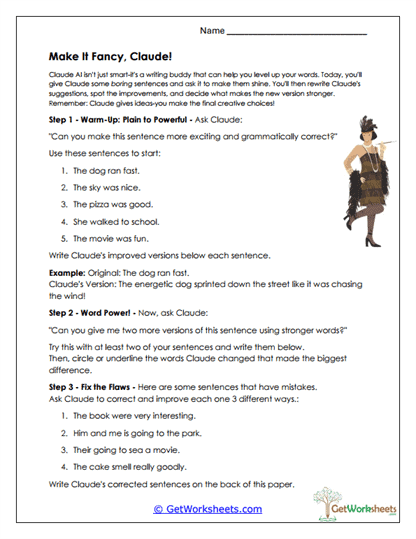
Make It Fancy, Claude!
This worksheet teaches students how Claude can help improve writing by enhancing vocabulary, grammar, and style. Students compare simple sentences with Claude's revised versions and analyze the changes. They then challenge Claude with longer examples. The activity reinforces revision skills and builds understanding of effective word choice.
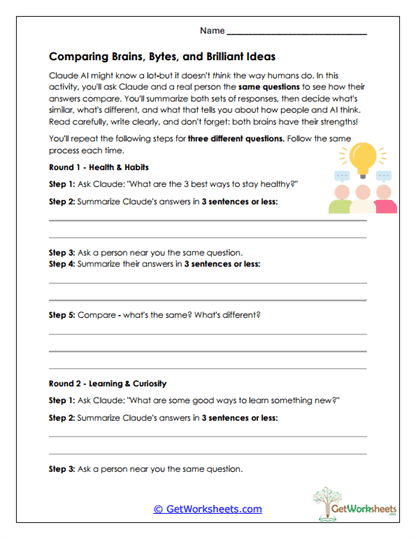
Comparing AI and Human Answers
Students ask Claude and a real person the same questions, summarize both responses, and write a comparison paragraph. This activity highlights differences in reasoning, tone, expressiveness, and detail. It strengthens comparison writing and reflection on human-AI communication. Students practice perspective-taking and analysis.
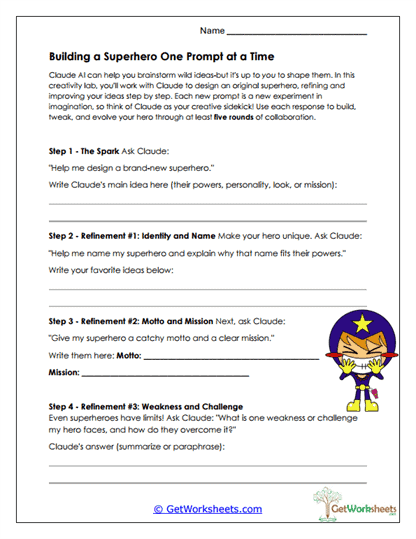
Superhero Prompt Builder
Learners collaborate with Claude to develop an original superhero by refining prompts step-by-step. They generate a character name, mission, motto, and weakness with Claude's help. The worksheet builds creativity, structured writing, and effective prompting skills. It also encourages students to shape AI-generated ideas thoughtfully.
Better Prompt Writing
Students study examples of weak versus strong prompts, then create their own improved versions for multiple topics. They test each prompt with Claude and compare the quality of the responses. The activity strengthens clear communication and precision in writing. It also helps learners understand how well-crafted prompts produce richer, more useful AI outputs.
Bookmark Us Now!
New, high-quality worksheets are added every week! Do not miss out!